Free Lightroom Post-Processing Guide
A 15-page guide to organizing, editing, and enhancing your travel photos in Adobe Lightroom Classic. Includes my personal editing presets — the same ones I use on every photo I process.
You'll get a confirmation email first — click the link and the guide arrives in your inbox.
100% free. No spam. Unsubscribe anytime.
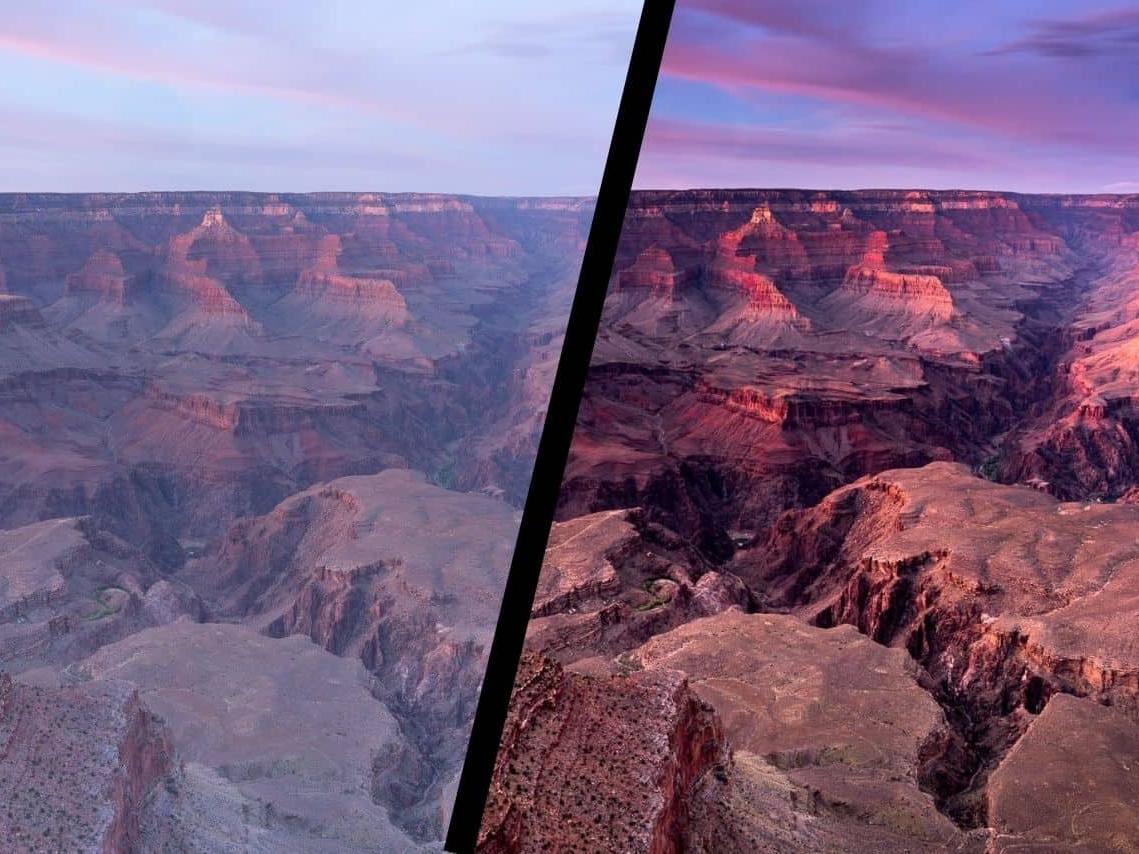
Sound familiar?
- 1
You come back from a trip with thousands of photos but no system to organize them — finding a specific shot feels impossible.
- 2
You open Lightroom and feel overwhelmed by all the sliders. You tweak things randomly, but your edits never look as good as the photos you see online.
- 3
You've bought presets online, but they don't work well with your photos — and you don't know enough to fix them.
What you'll learn
- Set up a file organization system that scales from 100 to 100,000 photos
- Know exactly which sliders to touch — and which to leave alone — for every photo
- Make your colors pop using the Calibration trick most photographers don't know about
- Fix converging verticals and lens distortion so your architecture shots look professional
- Get my personal editing presets — the same baseline I apply to every photo I import
What's Inside
Ch. 1Catalog & File Organization
Ch. 2Editing Presets
Ch. 3Import Workflow
Ch. 4Keyboard Shortcuts
Ch. 5Editing Masterclass
Bonus3 Free Editing Presets
Why I Wrote This Guide
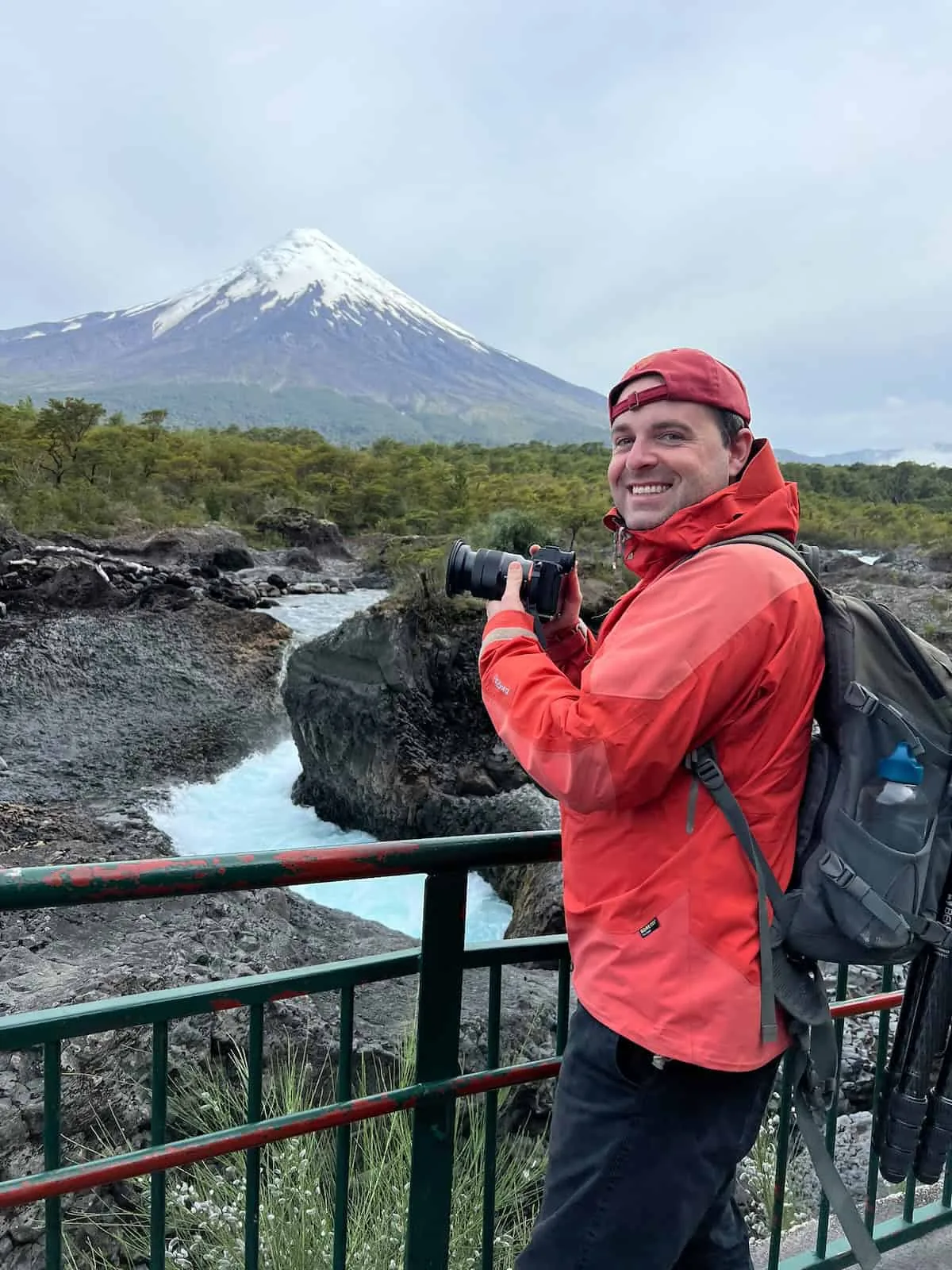
When I started teaching photography through my tours and workshops, I noticed the same pattern: photographers would capture great shots in the field, but struggle to bring them to life in post-processing. This guide is everything I wish someone had handed me when I was learning Lightroom — organized, practical, and focused on what actually matters. No fluff, just the workflow and settings I use on every photo I process.
Frequently Asked Questions
Is this really free?
Which version of Lightroom is this for?
I'm a complete beginner. Is this too advanced?
How do I get the presets?
Ready to level up?
Join thousands of photographers who improved their craft with this free guide.
You'll get a confirmation email first — click the link and the guide arrives in your inbox.
100% free. No spam. Unsubscribe anytime.